How to Convert a WhatsApp Voice Note to MP3 (Phone and PC)
WhatsApp voice notes are great for chatting. They’re less great when you want to keep one or use it outside WhatsApp. The file comes out as .opus, and lots of apps and devices won’t touch it.
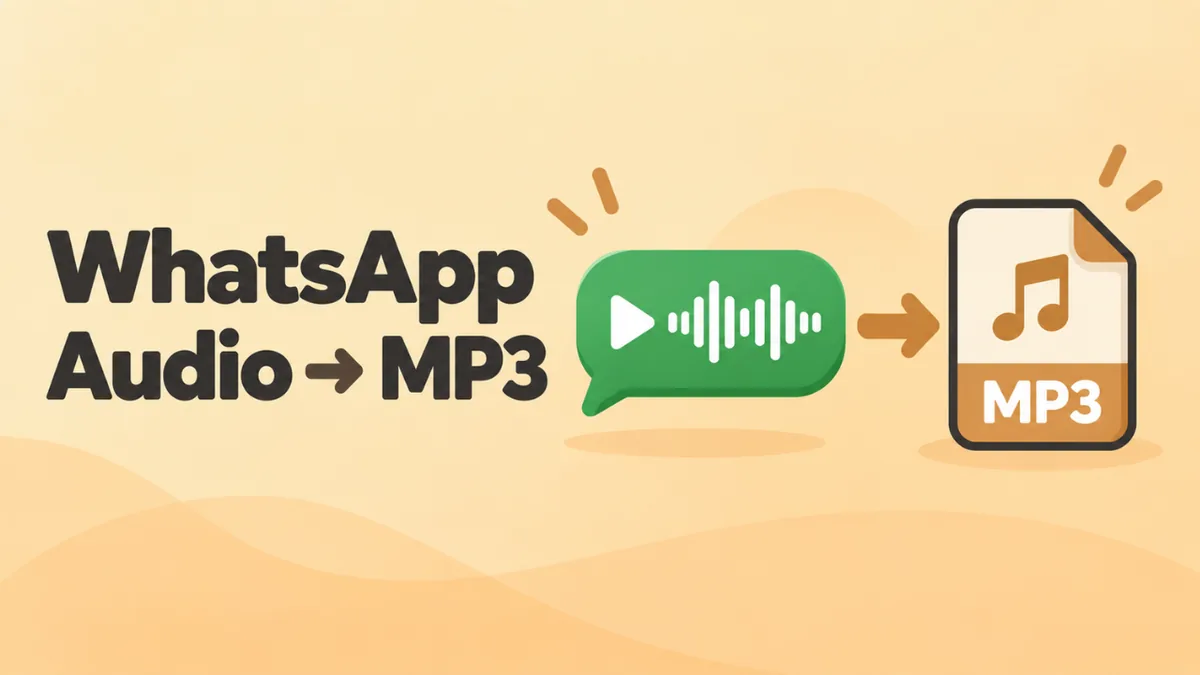
The fix is to convert it to MP3. MP3 plays on almost every phone, computer, car stereo and app. This guide shows you how to do it for free on Android, iPhone, Windows and Mac. And you won’t need to upload your private messages to a stranger’s server.
The quick answer
- Save the voice note as a file (share it from WhatsApp, or export the chat).
- Open it in our free online OGG player.
- Pick 128 kbps and click Download MP3.
That’s it. The conversion runs inside your browser, so your file never leaves your device.
Why convert WhatsApp audio to MP3?
WhatsApp records voice notes with the Opus codec inside an Ogg container. Opus sounds clear and keeps files tiny. But it has a compatibility problem.
Here’s where .opus files often fail:
- Older iPhones. Safari only plays Ogg Opus on iOS 18.4 or later.
- Windows Media Player Legacy and QuickTime Player on Mac.
- Video editors and slideshow tools. Google Slides, for example, only takes MP3 and WAV audio.
- Car stereos and smart TVs that read files from USB.
- Email and work systems that block unknown file types.
MP3 avoids all of that. It’s the safest format for sharing and archiving.
Step 1: Get the voice note out of WhatsApp
Android
- Open the chat.
- Long-press the voice note.
- Tap the Share icon.
- Choose where to send it. Files or Save to Drive keeps it on your phone or in the cloud. Gmail sends it to your computer.
The raw files also live in the Files app. Look in Android > media > com.whatsapp > WhatsApp > Media > WhatsApp Voice Notes.
iPhone
- Open the chat and long-press the voice note.
- Tap Forward.
- Tap the Share icon in the bottom corner.
- Choose Save to Files, Mail or AirDrop.
Many voice notes at once
Export the chat with media:
- Android: three dots > More > Export chat > Include media.
- iPhone: tap the chat name > Export Chat > Attach Media.
You’ll get every voice note in the chat as a separate .opus file.
Need more ways to move voice notes to a computer? See how to play WhatsApp voice notes on a PC.
Step 2: Convert to MP3
On Android (no app needed)
- Open Chrome and go to openoggfile.com.
- Tap Choose file and pick the .opus file.
- Scroll down to Convert & download.
- Choose 128 kbps.
- Tap Download MP3.
The MP3 saves to your Downloads folder. You can share it from there to any app.
On iPhone (iOS 18.4 or later)
- Open Safari and go to openoggfile.com.
- Tap Choose file, then Choose File, and pick the voice note from Files.
- Tap Download MP3.
- The MP3 goes to Files > Downloads.
On older iOS versions, Safari can’t read Opus files. Convert on a computer instead, then send the MP3 back to your phone. See how to play OGG files on iPhone for details.
On Windows or Mac
- Open Chrome, Edge, Firefox or Safari (macOS 15.4 or later).
- Go to openoggfile.com.
- Drag the .opus file onto the page.
- Choose a quality and click Download MP3.
Which MP3 quality should you choose?
Voice notes are recorded at a low bitrate to save data. So you don’t need a high MP3 bitrate.
| Use | MP3 setting | Why |
|---|---|---|
| Voice notes, speech | 128 kbps | Sounds the same as the original, small file |
| Voice with music in the background | 192 kbps | A little extra detail |
| Music someone recorded or sent | 192 to 320 kbps | Keeps more of the music |
Going higher than you need just makes the file bigger. The online player shows your file’s original bitrate, which helps you choose.
Trim before you convert
Voice notes often start with “Um, hi, so…” and end with a pause. You can cut that out before you save the MP3.
- Play the voice note in the online player.
- When the useful part starts, click Set to current next to Start.
- When it ends, click Set to current next to End.
- Click Download MP3. The button now says “(trimmed).”
This is handy for saving one key sentence, like an address someone read out.
Convert many WhatsApp voice notes at once
If you exported a chat with dozens of voice notes, converting one by one takes a while. Use VLC instead. It’s free.
Windows
- Install VLC from videolan.org.
- Open Media > Convert / Save.
- Click Add and select all the .opus files.
- Click Convert / Save.
- Choose Audio – MP3 as the profile.
- Pick a destination and click Start.
Mac
- Open VLC and choose File > Convert / Stream.
- Drag in all the .opus files.
- Choose Audio – MP3.
- Click Save as File and pick a folder.
VLC works through the list one file at a time. Check the output names so files don’t overwrite each other.
Name your MP3 files so you can find them later
Exported voice notes have names like PTT-20250312-WA0004.opus. That’s not very helpful a year from now. After converting, rename them:
- 2025-03-12 Mum – recipe.mp3
- 2025-06-01 Landlord – move-out details.mp3
Putting the date first keeps them in order. Adding who and what makes them easy to search.
Using the MP3 in a video or slideshow
Once you have an MP3, you can drop the voice note into almost any project:
- Google Slides: Upload the MP3 to Google Drive. Then click Insert > Audio and pick it.
- PowerPoint: Click Insert > Audio > Audio on My PC and choose the MP3.
- CapCut, iMovie or other video editors: Import the MP3 like any music file and place it on the timeline.
It’s a nice way to build a birthday video from friends’ voice messages. You can also add a spoken note to a family slideshow.
Sending the MP3 to someone else
You can send the MP3 through any app, including WhatsApp itself. When you send an MP3 file in WhatsApp, it arrives as an audio file, not as a voice note. The other person can still play it inside the chat.
For email, MP3 is the safest format. It’s small, and most email programs let people play it with one click.
Is it safe to convert WhatsApp audio online?
It depends on the site. Many online converters upload your file to their servers to process it. For personal voice notes, that’s a real privacy risk.
Our converter works differently. It loads once, then does all the work inside your browser. Your voice note never gets uploaded. You can test this yourself: load the page, turn off Wi-Fi, and convert a file. It still works.
What about WhatsApp audio files that aren’t voice notes?
Someone may send you a song as a normal audio attachment. That file may already be an MP3 or M4A. You don’t need to convert those. Check the file extension first:
- .opus or .ogg: convert it with the steps above.
- .mp3: it’s already MP3.
- .m4a or .aac: it plays on most devices already.
Troubleshooting
The online player won’t open the file on my iPhone
Your iOS version is probably older than 18.4. Convert the file on a computer instead, or use VLC for Mobile to play it.
The MP3 is silent or very short
The original file may be incomplete. Large exports sometimes cut files short. Share the voice note again from WhatsApp and try once more.
I can’t find the MP3 after downloading
On Android, check Files > Downloads. On iPhone, check Files > Downloads. On a computer, check your browser’s downloads list.
VLC creates files with the wrong extension
In the VLC save dialog, type the full file name, including .mp3 at the end.
Related guides: Save and play Signal voice notes on a computer
FAQ
Can WhatsApp save voice notes as MP3?
No. WhatsApp saves voice notes as Opus audio in an Ogg container, usually with an .opus extension. You have to convert them yourself.
How do I convert WhatsApp audio to MP3 on Android?
Share the voice note to your Files app. Then open it in the online OGG player in Chrome and tap Download MP3.
How do I convert WhatsApp audio to MP3 on iPhone?
On iOS 18.4 or later, save the voice note to Files. Open it in the online player in Safari and tap Download MP3. On older iOS, convert it on a computer.
Is there a free WhatsApp to MP3 converter?
Yes. The online OGG player is free, has no sign-up and doesn’t upload your file. VLC is free for batch conversion.
How long does the conversion take?
A few seconds for a normal voice note. Even a ten-minute message converts in well under a minute on most phones and computers. The progress bar shows how far along it is.
Will converting to MP3 lower the quality?
Not in any way you’ll hear for voice notes, if you use 128 kbps or more.
Final word
Converting WhatsApp audio to MP3 takes less than a minute. Save the voice note as a file, open it in the free online OGG player, and click Download MP3. For whole chats full of voice notes, let VLC do the batch work. Either way, you end up with files that play almost anywhere.