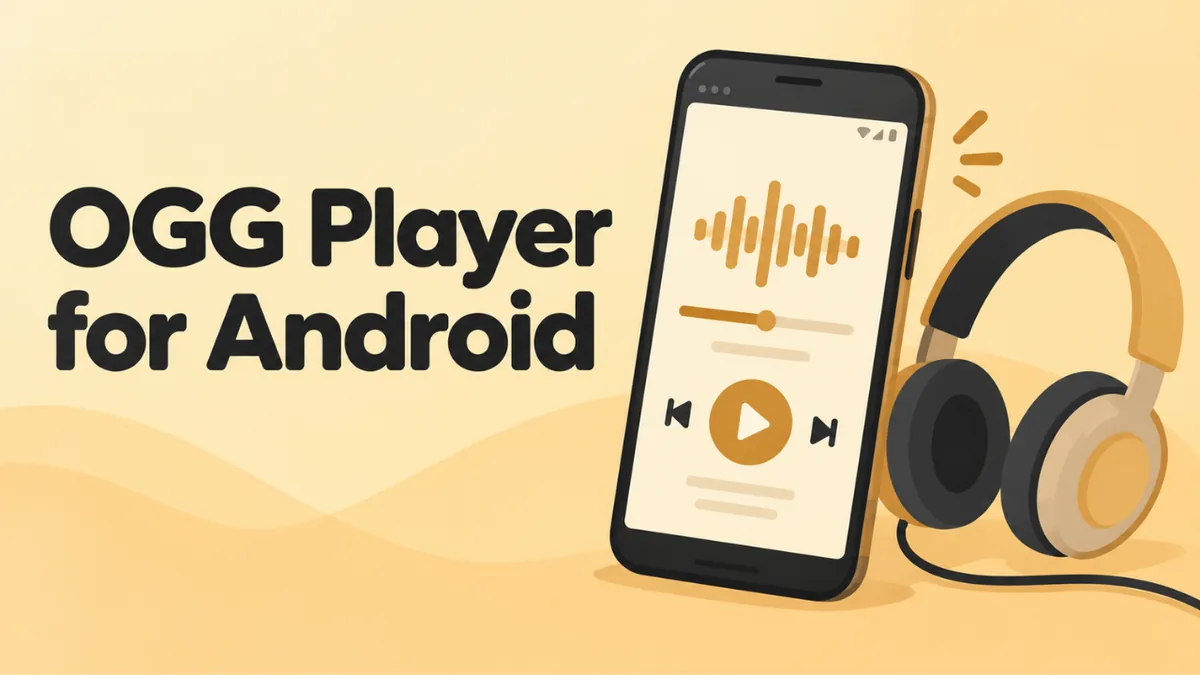
How to Play OGG Files on Android (Best Free OGG Players)
Good news first: Android is the easiest place to play OGG files. Google built support for the format into Android from the start. Most phones play OGG files with a single tap.
But “most” isn’t “all.” Some phones open the wrong app. Some can’t find the file. And WhatsApp voice notes in .opus format can confuse older music apps. This guide shows you how to play any OGG file on Android and which free apps work best.
The quick answer
- Try tapping the file first. Open it from Files by Google, My Files (Samsung) or your phone’s file manager. It should play in the built-in player.
- If it won’t play, open our free online OGG player in Chrome and tap Choose file.
- Want a proper app? Install VLC for Android. It’s free, has no ads and plays every OGG format.
Does Android support OGG files?
Yes. According to Google’s own developer docs, Android can decode:
- Vorbis audio in .ogg files, on every Android version,
- Opus audio, on Android 5.0 and later.
Those two codecs cover almost every OGG file you’ll ever see. So on any modern phone, the system itself knows how to play OGG. When a file doesn’t play, the problem is usually the app, not Android.
Why tapping a file sometimes fails
There are three common reasons:
- The wrong app is the default. A gallery or document app may grab the file and fail to open it.
- The music app only scans certain folders. Files in Downloads or WhatsApp folders may not show up in your music library.
- The file extension is unusual. Some older music apps don’t list .opus or .oga files, even though Android can decode them.
Each of these has a quick fix, and the methods below cover all of them.
Method 1: Play OGG files with your phone’s built-in apps
Files by Google
Most Android phones have the Files by Google app. It has a built-in audio player.
- Open Files by Google.
- Tap Browse, then Audio or Downloads.
- Tap your OGG file.
It starts playing in a small player at the bottom of the screen.
Samsung My Files
On Samsung phones, use the My Files app.
- Open My Files.
- Tap Audio or Downloads.
- Tap the OGG file.
- If Android asks which app to use, pick Samsung Music or Sound player.
Other brands
Xiaomi, OnePlus, Oppo, Motorola and others each have their own file manager. They all work the same way. Find the file, tap it and pick a music or media app.
If the file opens in the wrong app, or nothing happens, try the next method.
Method 2: Use the online OGG player in Chrome
This method works on any Android phone and needs no new app. It’s also handy for trimming a file or turning it into an MP3.
- Open Chrome and go to openoggfile.com.
- Tap Choose file.
- Pick Files or Browse, then find your OGG file.
- Tap the play button.
The player runs inside Chrome. Your file isn’t uploaded anywhere.
You can also:
- tap the waveform to jump to any part,
- change the speed from 0.5× to 2×,
- see the codec, length and bitrate,
- save the file as MP3 or WAV.
Method 3: Install VLC for Android
VLC is a free media player from the non-profit VideoLAN project. It has no ads and no in-app purchases. It plays almost any audio or video format.
- Open the Play Store and search for VLC for Android.
- Tap Install.
- Open VLC and allow it to access your media files.
- Tap Audio or Browse to find your OGG file, and tap it.
VLC is the best choice if you:
- have .opus voice notes that other apps won’t open,
- have OGV video files,
- want one app that plays everything.
Other good OGG player apps for Android
These free apps also play OGG and OPUS files well:
| App | Best for | Notes |
|---|---|---|
| VLC for Android | Everything | Audio and video, no ads |
| Files by Google | Quick playback | Already on most phones |
| Samsung Music | Samsung phones | Built in on Galaxy devices |
| Musicolet | Music libraries | Works offline, no ads |
| Online OGG player | Trimming and converting | Runs in Chrome, no install |
You don’t need all of them. One good player plus the online tool covers every case.
How to set your default OGG player
If your phone keeps opening OGG files in the wrong app, reset the default.
- Open Settings.
- Tap Apps.
- Find the app that opens OGG files right now and tap it.
- Tap Open by default or Set as default.
- Tap Clear defaults or turn off Open supported links.
The next time you tap an OGG file, Android asks which app to use. Pick your favorite and tap Always.
The exact menu names differ a little between brands. If you can’t find them, search for “default” in the Settings search bar.
How to play WhatsApp voice notes on Android
WhatsApp stores voice notes as .opus files. You can play them inside WhatsApp. But sometimes you want to find the file itself, back it up or send it somewhere else.
Where WhatsApp saves voice notes
On newer Android versions, the path is usually:
Internal storage > Android > media > com.whatsapp > WhatsApp > Media > WhatsApp Voice Notes
Inside are folders with numbered names, such as 202538. Each folder holds notes from one week.
Some file managers hide the Android folder. If you can’t see it, try Files by Google. Or turn on Show hidden files in your file manager’s settings.
How to play or save one
- Find the .opus file in the folder above.
- Tap it to play. If it doesn’t open, share it to VLC or open it with the online player in Chrome.
- To keep a copy that plays everywhere, tap Download MP3 in the online player.
There’s an easier way for single messages. In WhatsApp, long-press the voice note and tap Share. Then email it to yourself or save it to Google Drive.
How to play Telegram voice messages
Telegram voice messages are .ogg files with Opus audio. They play fine inside Telegram. To save one:
- Long-press the voice message.
- Tap the three dots and choose Save to Downloads or Save to Music, if you see it.
- Open the file from your Downloads folder.
No save option in your version of Telegram? Forward the message to Saved Messages. Then save it from Telegram Desktop.
Sending an OGG file to an iPhone user
Your phone plays the file fine, but your friend on an iPhone can’t open it. This is common, because iPhones only play OGG on iOS 18.4 or later.
The fix is simple. Convert the file to MP3 before you send it:
- Open the file in the online OGG player in Chrome.
- Tap Download MP3.
- Share the MP3 from your Downloads folder by WhatsApp, email or any other app.
MP3 plays on every phone, computer and car stereo. Your friend won’t need any extra app.
Can Android play OGV video?
OGV files are videos in the Ogg format, usually with the Theora codec. Android’s built-in players don’t handle Theora well, and Chrome no longer shows Theora video.
Use VLC for Android for OGV files. It plays both the picture and the sound.
Troubleshooting
“Can’t play this file” or “Unsupported format”
The app you’re using doesn’t handle this type of OGG file. Try VLC or the online player in Chrome. If those can’t play it either, the file may be broken.
The file isn’t in my music app
Many music apps only show files from the Music folder. Move the OGG file there with your file manager. Or use VLC, which scans the whole phone.
I can’t find the file at all
Check the Downloads folder first. Then search for .ogg or .opus in your file manager. For WhatsApp files, see the folder path above.
The file plays with no sound
Check the media volume. Press a volume button and look for the music note slider. Also check that Bluetooth isn’t sending the sound to headphones you’re not wearing.
The file won’t play anywhere
The file might be incomplete. This happens when a download stops early. Download it again. It’s also possible the file isn’t really OGG. Someone may have renamed an MP3 or M4A file. The online player checks the file and tells you.
FAQ
Can Android play OGG files natively?
Yes. Android has supported Ogg Vorbis from the start and Opus since Android 5.0. Most phones play OGG files with the built-in apps.
What is the best OGG player for Android?
VLC for Android. It’s free, has no ads and plays every OGG format, including .opus voice notes and OGV video.
How do I convert OGG to MP3 on Android?
Open the file in the online OGG player in Chrome and tap Download MP3. The MP3 saves to your Downloads folder.
Why does my phone open OGG files in the wrong app?
A different app is set as the default. Clear its defaults in Settings > Apps, then choose the right app the next time you open an OGG file.
Can I use OGG files as ringtones on Android?
Yes. Android supports OGG ringtones. In fact, many of Android’s own ringtones are OGG files. Move the file to the Ringtones folder, then pick it in Settings > Sound.
Final word
Android handles OGG better than any other phone platform. In most cases, you just tap the file. If that fails, use the free online OGG player in Chrome, or install VLC. Both play every OGG file, including WhatsApp voice notes. On an iPhone? See how to play OGG files on iPhone.